What it does
Tell Snip what the video is about and drop in your footage. It watches, listens, picks the story and builds the whole timeline in DaVinci Resolve for you to polish.
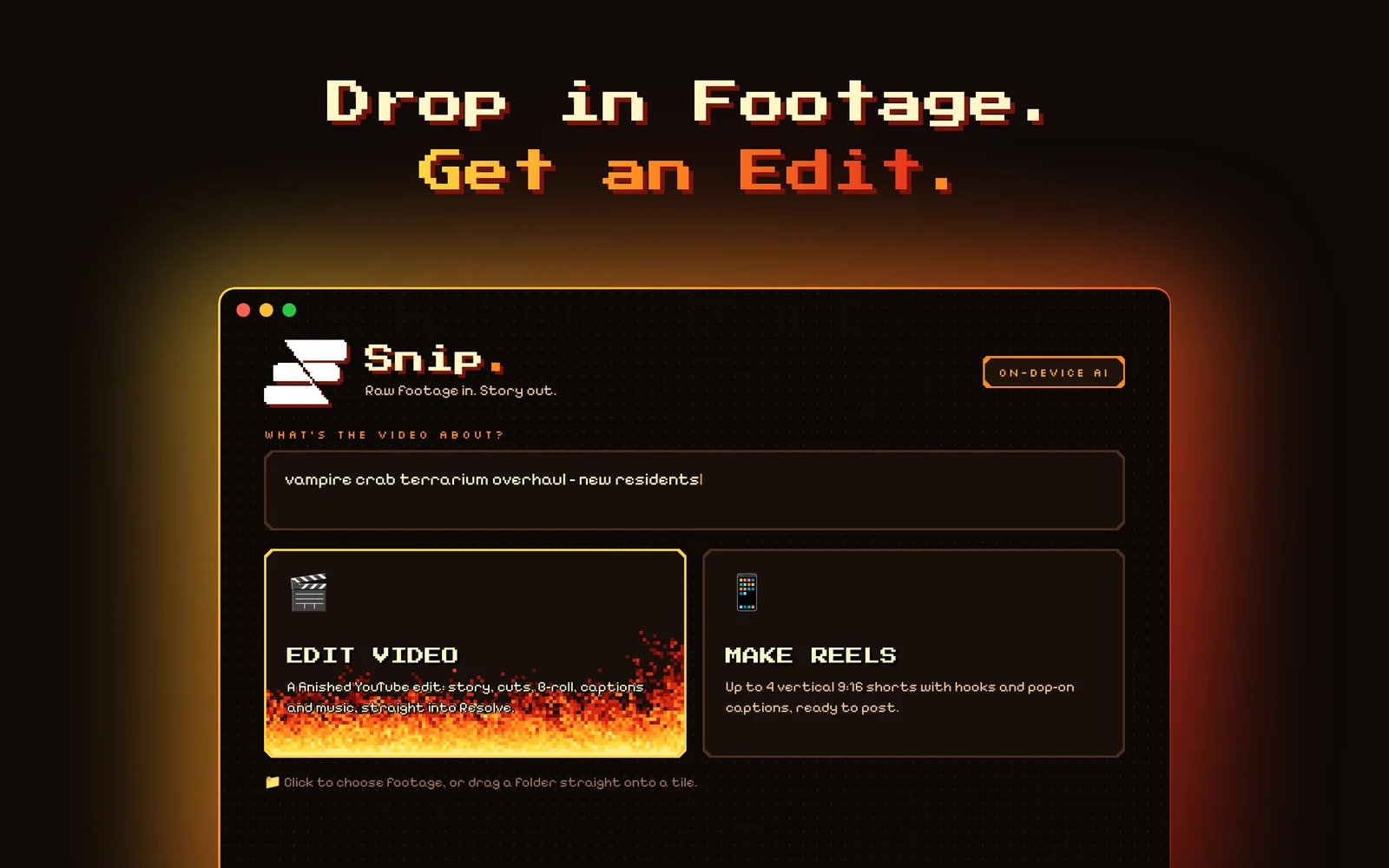
Type one line about the video, then drag your footage folder onto Edit Video or Make Reels. That's the whole job.
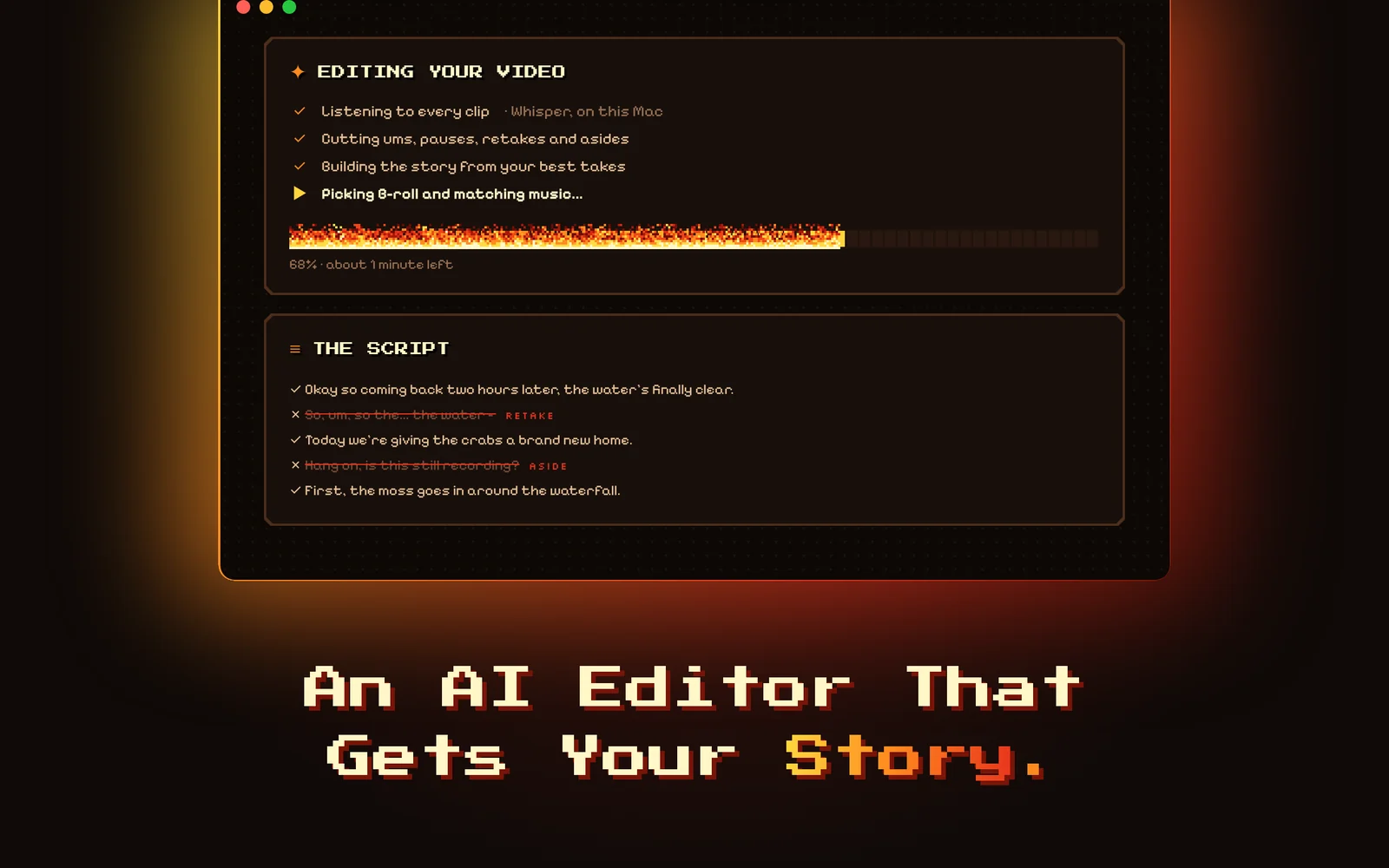
Snip transcribes every clip, works out what happens, keeps the best take of each moment and cuts the ums, false starts and reshoots.
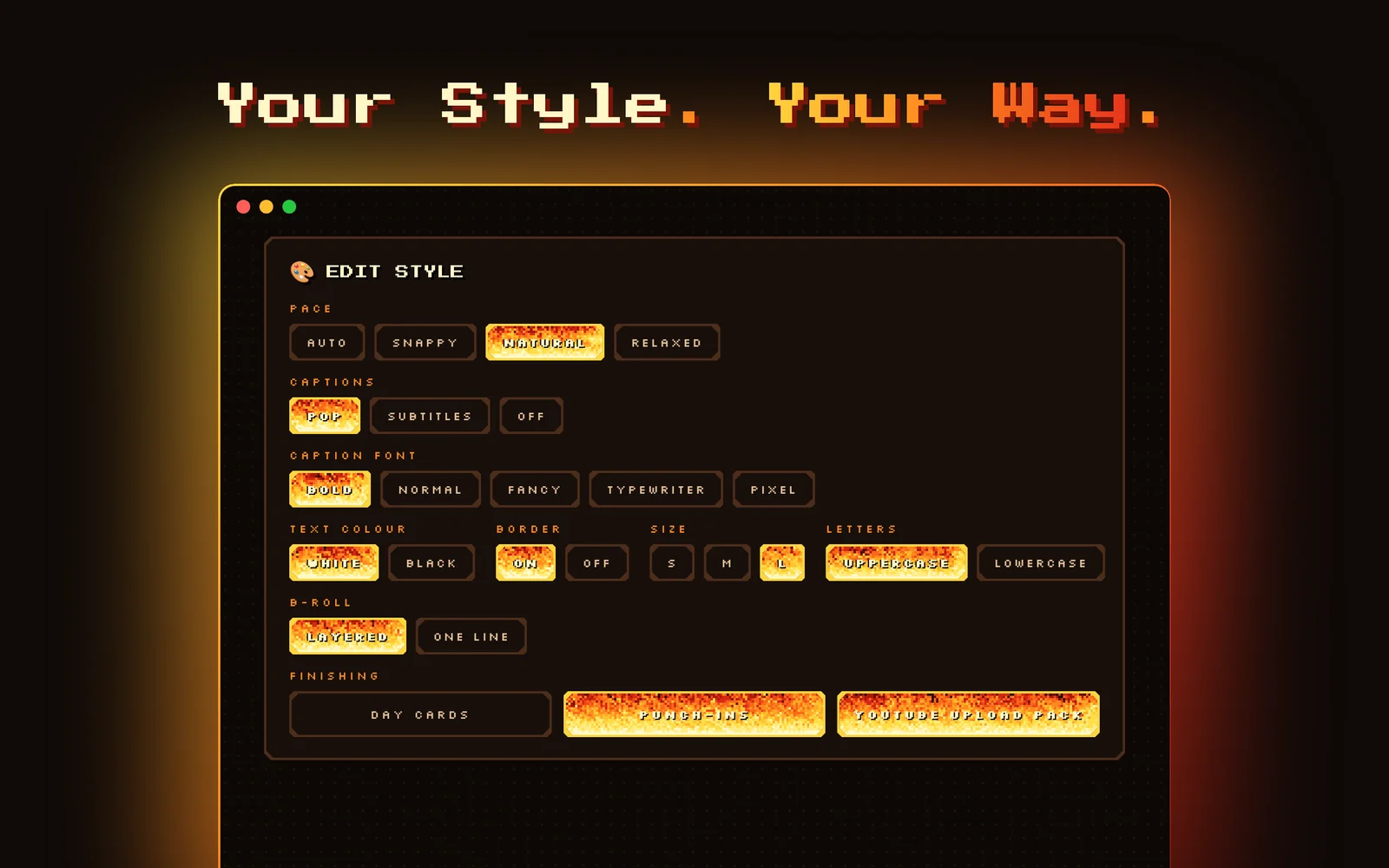
Choose the pace, target length and finishing touches. Snip fits the edit to them, and every cut stays editable in Resolve.
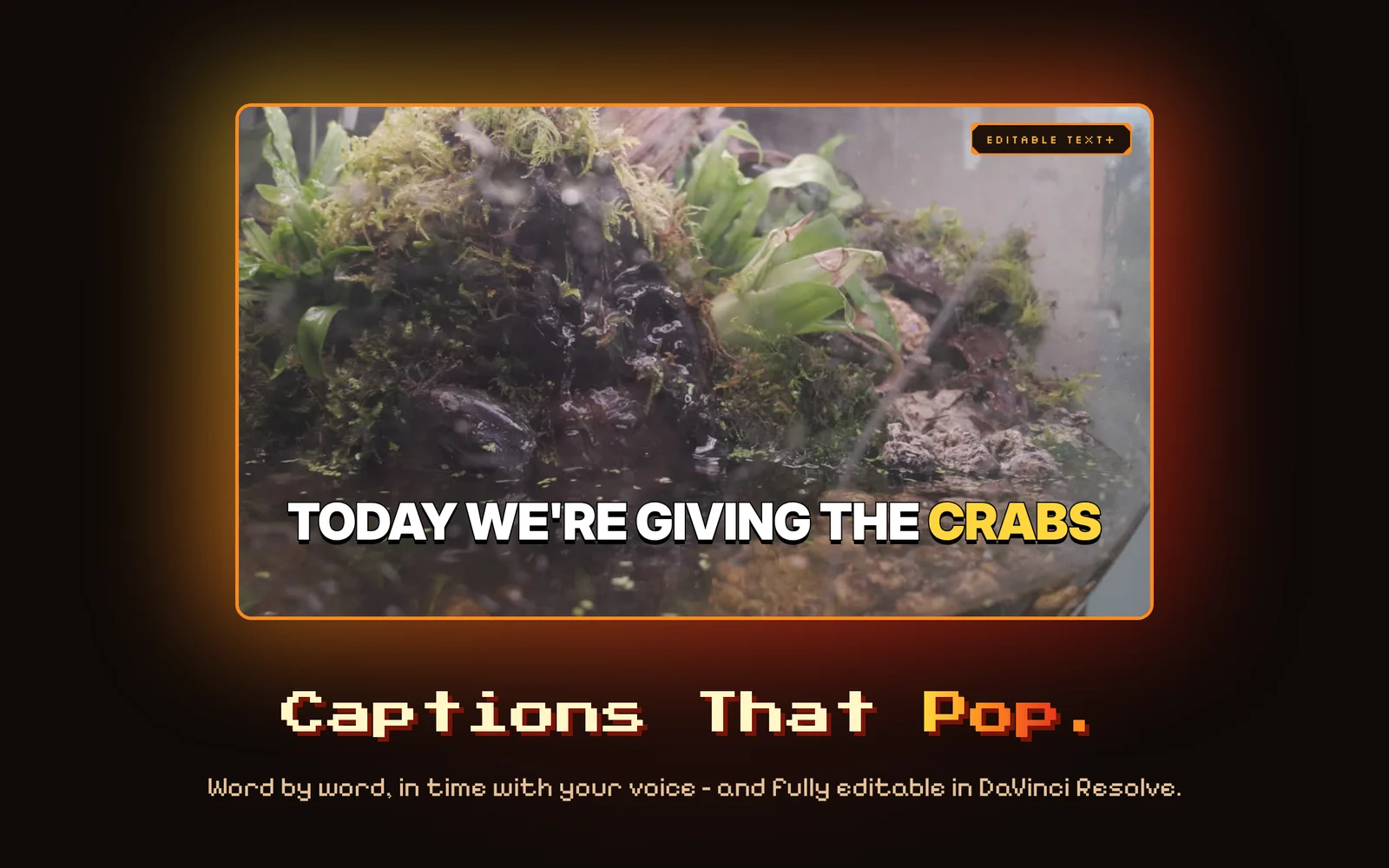
Word-by-word captions in time with your voice. The word being spoken lights up yellow, with an optional drop shadow. They're real Text+ titles, so you can restyle them in Resolve.
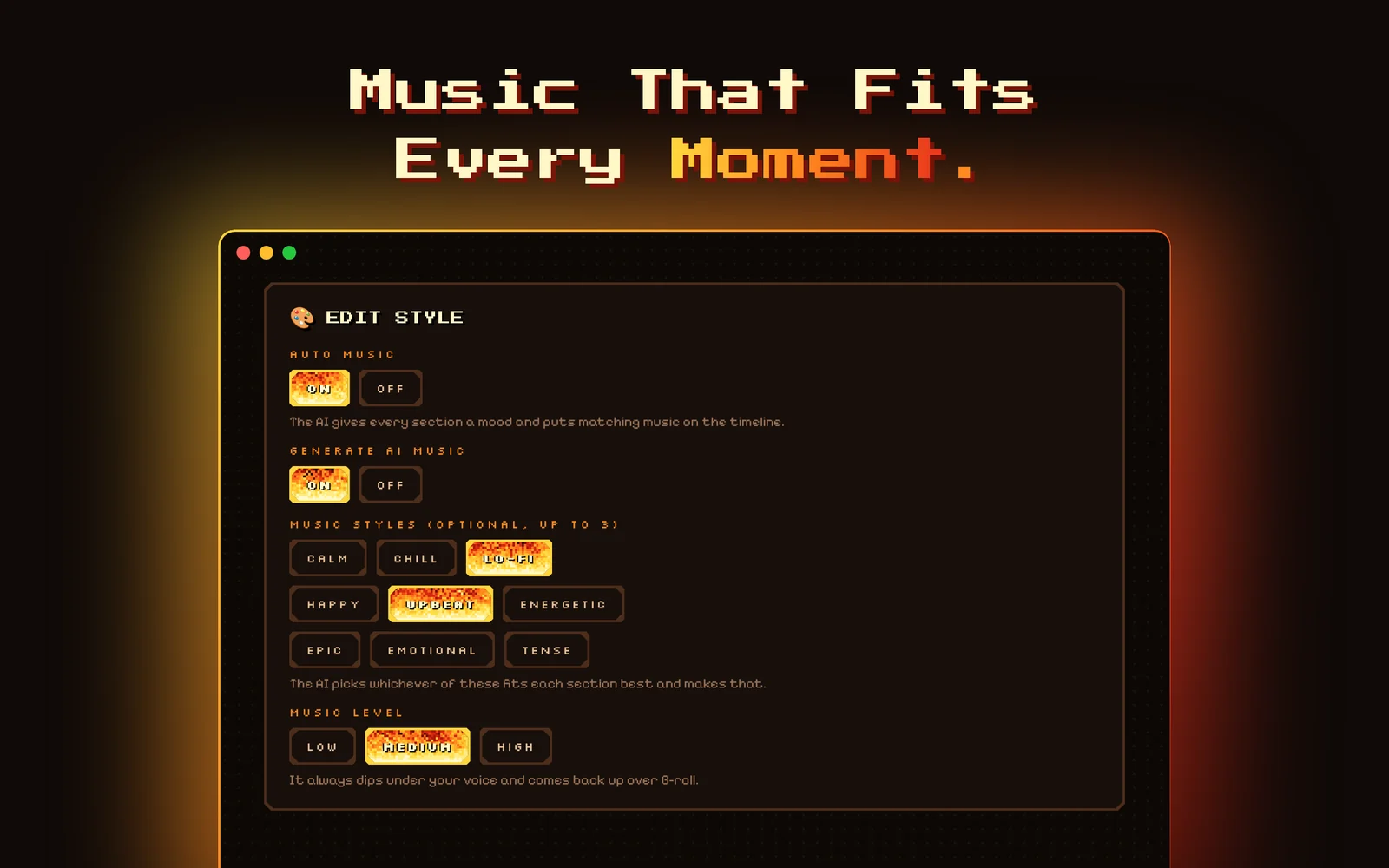
Auto music reads each section's mood and places background music to match - from your own folder, or generated on your Mac by a local AI music model. It ducks under your voice and crossfades when the mood changes.
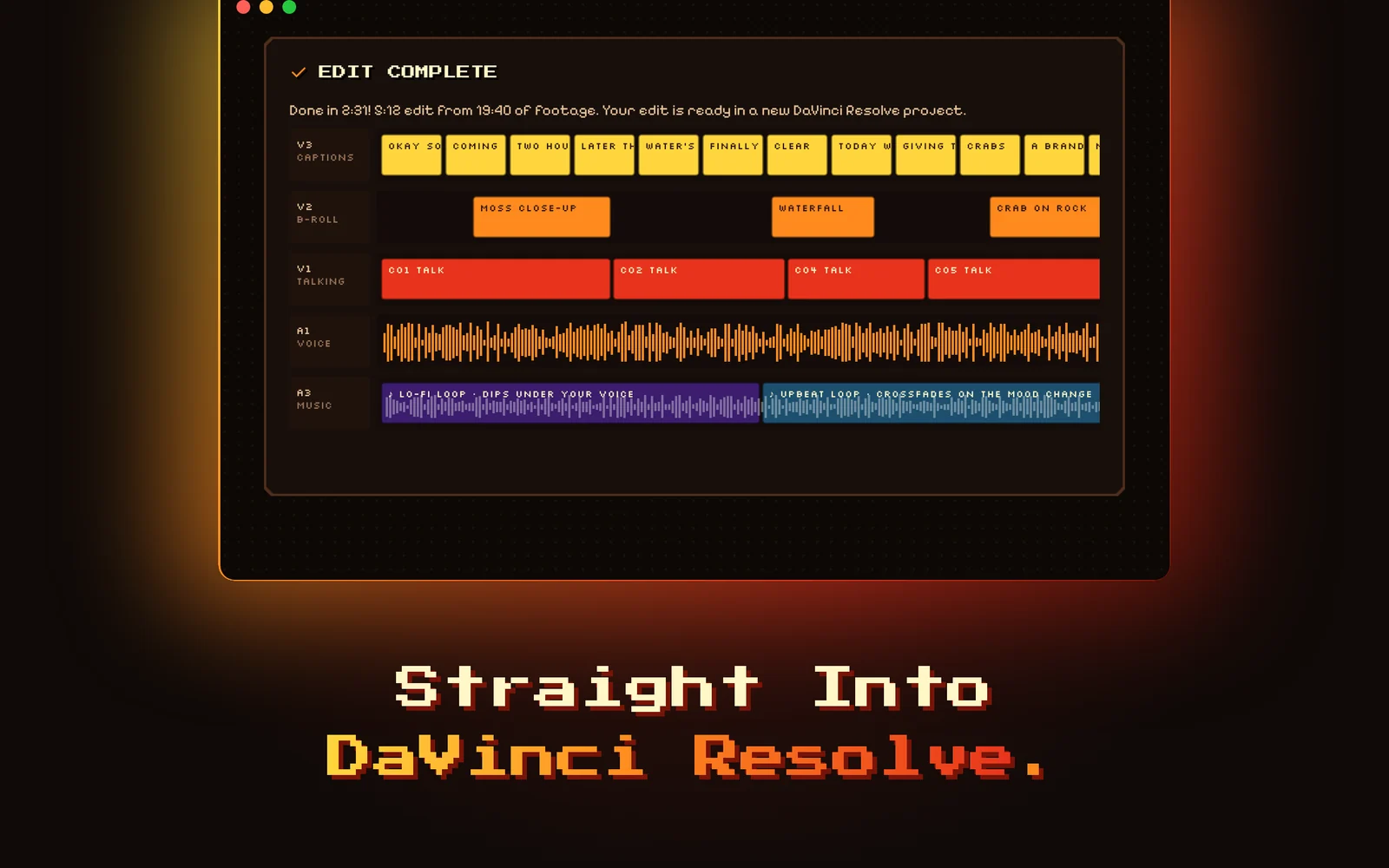
No exporting, no XML wrangling. Snip opens a new Resolve project with the timeline built - captions, B-roll, music and markers on their own tracks.
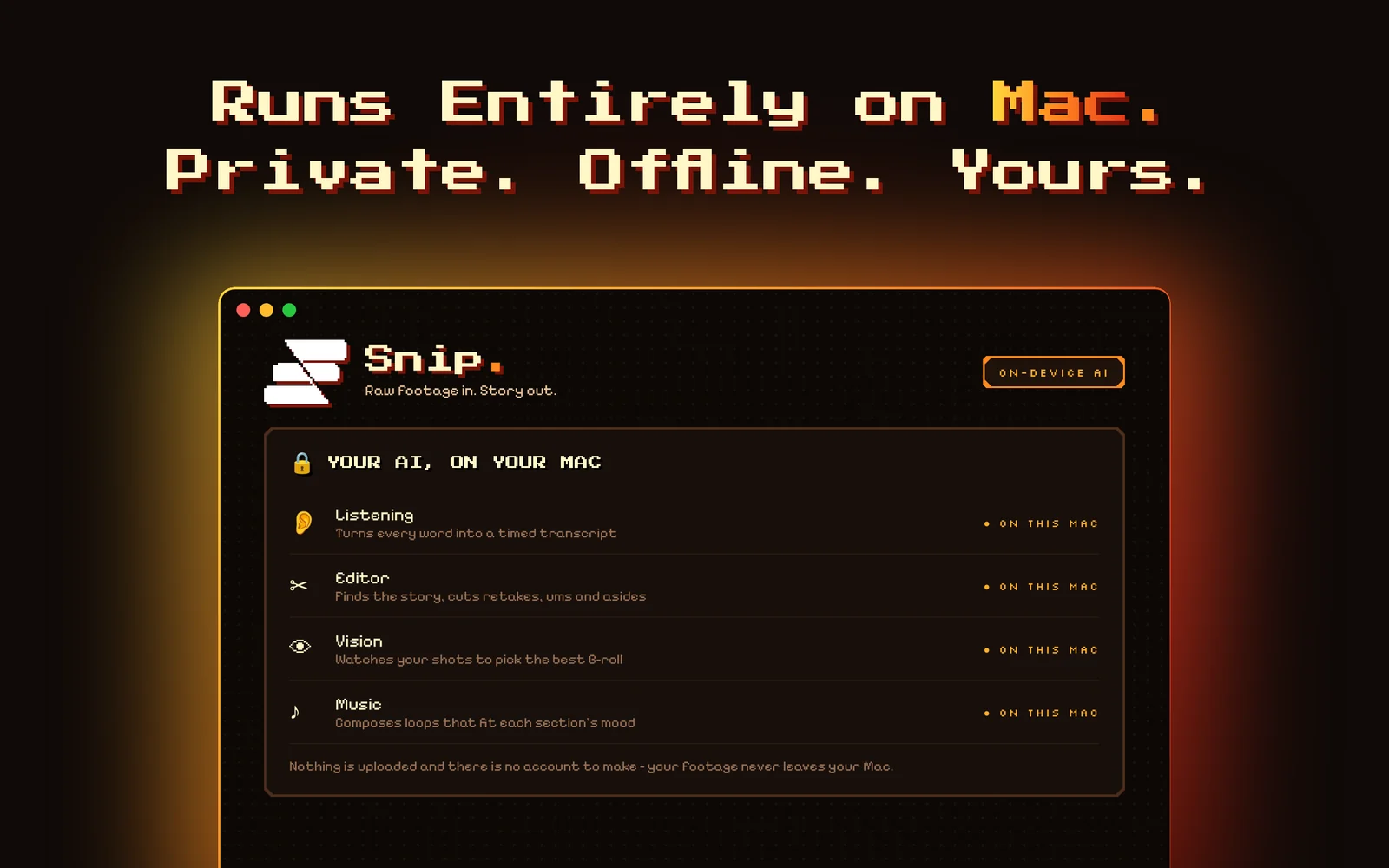
The AI models download once and run locally. Your footage is never uploaded anywhere - no cloud, no account, no subscription.
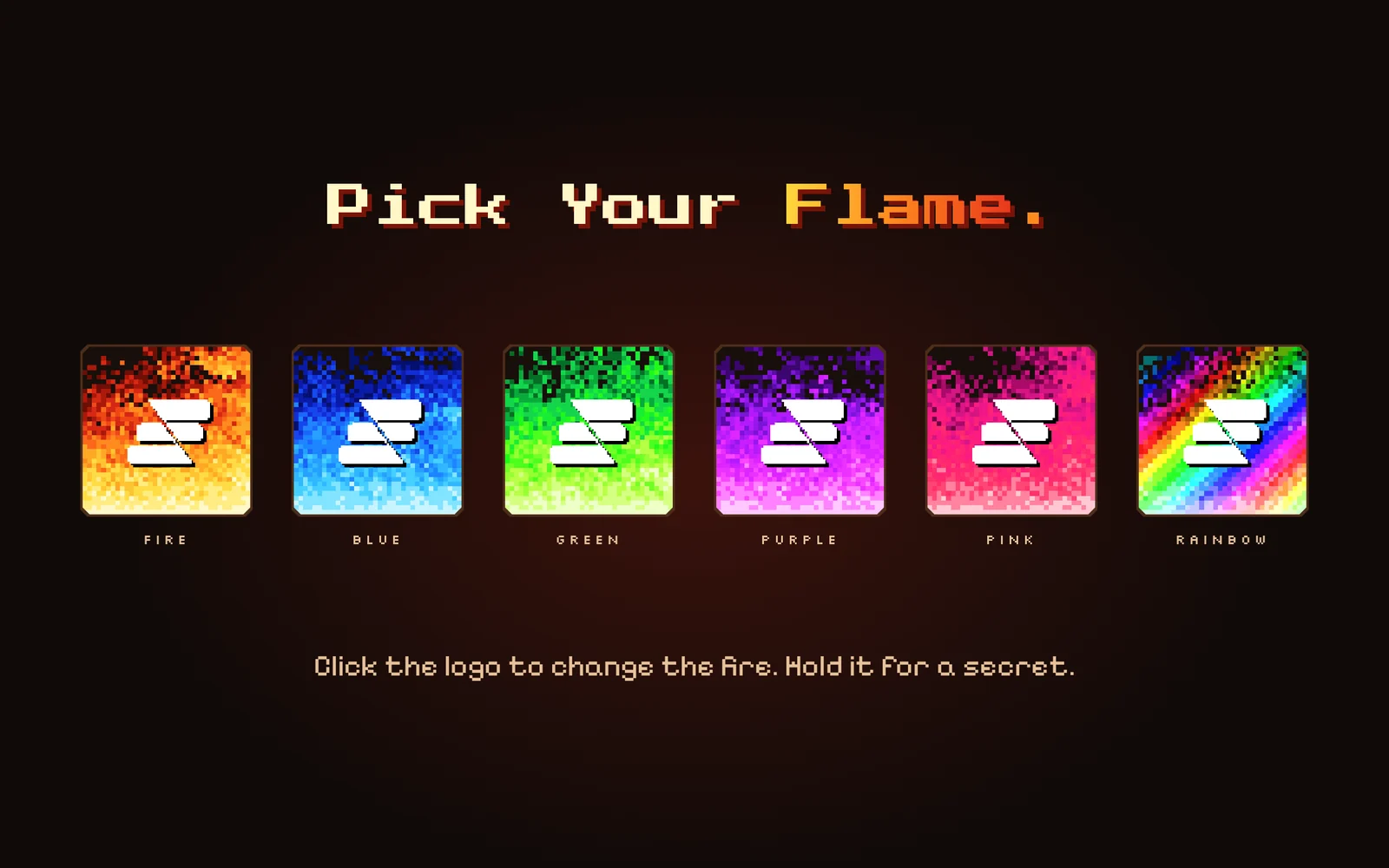
Click the logo to change the fire's colour. Hold it down for a while and see what happens.
How it works
Download Snip, enter your licence key and click Install. It sets up its on-device AI once.
Type what the video is about, e.g. "3 days in Sofia - fun travel vlog", and pick a style.
Drag your footage in. Snip builds the edit and opens it in DaVinci Resolve, ready to polish.
Get Snip
Buying starts the download and emails you your key. Already have it? Download Snip again.
What's new
Every update, straight from the app. You're on the latest if your Snip says v1.0.
FAQ
A Mac on macOS 13 Ventura or later and DaVinci Resolve (the free version is fine). An Apple silicon Mac (M1 or newer) is recommended - the AI runs much faster, and AI music generation needs one. Snip downloads about 8 GB of AI models the first time.
Never. Transcription, editing and music generation all happen on your Mac. Snip only goes online to download its AI models once, check your licence key, and see if there's an update.
Once to install and activate. After that Snip edits offline. It re-checks your licence when it can, and keeps working offline for up to 30 days at a time.
Snip is free to download. Buy a key for £5 and it's emailed to you straight away - paste it into Snip and you're in. One key works on 2 Macs. Moving to a new Mac? Click "Deactivate this Mac" at the bottom of Snip's window on the old one.
It's in your receipt email from Polar (our payment provider). You can also sign in to the Polar customer portal with the email you bought with. Still stuck? Email hello@snipvfx.com.
Snip is built for DaVinci Resolve - it builds the timeline right inside it. Resolve's free version is all you need.
Music Snip generates is made on your Mac by an open-source model (ACE-Step, MIT licence), so there's no stock library or sample pack behind it to license. If you use your own music folder instead, the usual rights for those tracks apply.